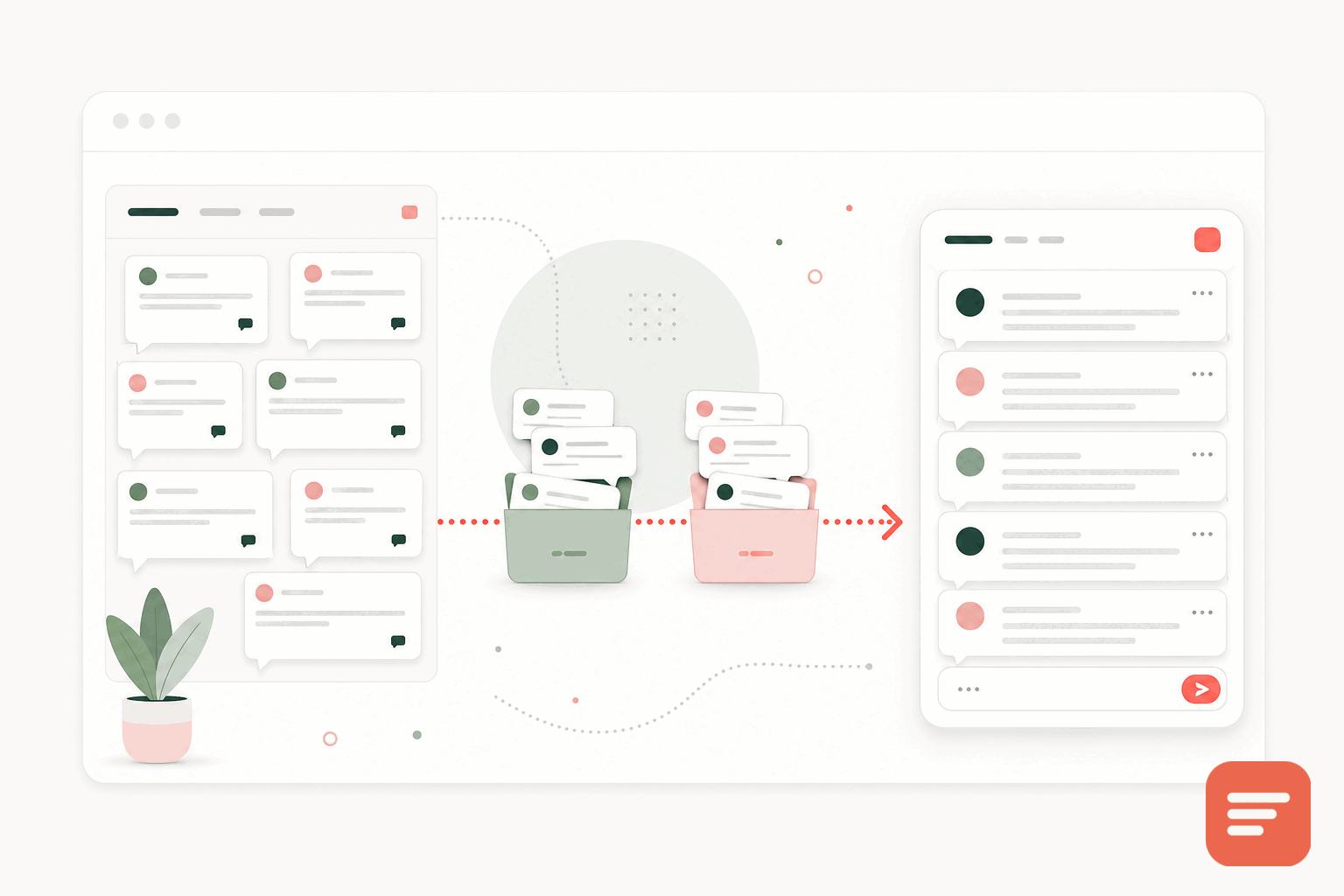
A forum made sense when your site was a destination people visited on purpose. Somewhere along the way the pattern changed. Readers arrive from search or a newsletter, land on one article, and leave. They never see the forum, so the forum goes quiet. A handful of regulars keep it alive while everyone else reads and moves on.
Blog comments fix the mismatch. The conversation happens on the page that prompted it, in front of the people reading that page. If your forum activity has thinned out, moving it into comments usually brings the discussion back to life.
when a forum stops earning its keep
A separate forum asks a lot of a reader. They have to notice it exists, create yet another account, find the right board, and start a thread that may sit unanswered for days. Each of those steps loses people. Comments ask for almost nothing: the reader is already on the page, and a box sits right under the thing they just read.
There are still good reasons to run a forum. Large support communities, long-running project discussions, and tight-knit member groups all benefit from a dedicated space. But if your forum is mostly one-off questions tied to specific articles, that content belongs next to the articles.
plan the move before you touch anything
Start by looking at what your forum actually holds. Most forums have a small set of threads that still get views and a long tail that no one reads. Sort by traffic and recent activity, then decide honestly which threads are worth carrying over.
- Threads that map cleanly to a single article or page. These become comments on that page.
- Broad discussion threads with no obvious home. These may deserve a dedicated community page rather than a comment thread.
- Dead threads with no traffic. Archive them. Do not spend effort moving content no one reads.
Write down the mapping from old forum URL to new page URL before you migrate. You will need it for redirects, and it keeps the search value you already earned.
keep the SEO you built
Old forum threads often rank for long-tail questions. If you delete them without a plan, you lose that traffic. Set up 301 redirects from each retired thread to the page that now hosts the discussion. Where a thread has no natural destination, redirect it to the closest relevant article or a category page rather than dropping it into a 404.
Gabden keys every comment thread to the page's canonical URL, so the discussion is tied to the content, not to a separate forum path. That makes the mapping simple: one page, one thread, one URL. For a deeper look at protecting rankings during a switch, see migrating comments without hurting SEO.
bring the existing conversations with you
You do not have to start from an empty comment section. Gabden can import existing discussion, mapped to each page's URL, so the threads that mattered show up under the right articles from day one. Existing replies keep their author names, and the page looks lived-in instead of blank.
Importing the good threads also sets a tone. New readers see that other people already talked here, which makes them more likely to add their own comment.
set moderation before you open the doors
Forum regulars are used to a certain level of freedom. Comments attract a wider, more casual audience, so decide how you want to handle new posts. Gabden lets you pre-moderate everything, auto-approve returning verified people, or moderate only anonymous posts. A blocked-word filter and a pending queue catch the obvious spam. Pick a mode that matches how much time you can give moderation each week, then adjust once you see the real volume.
a simple rollout
Run both systems in parallel for a short window. Add comments to your articles, import the threads worth keeping, and put a notice on the forum explaining that discussion is moving to the articles themselves. Once traffic to the forum drops to near nothing, set your redirects and retire it.
The goal is not to preserve every old post. It is to put the conversation where your readers already are. If you want to see how the comment side works before you plan the move, you can start free and add it to one article first.

Join the discussion