Moving to a new comment system feels risky because comments carry SEO value: fresh content, long-tail phrasing, and engagement on pages that rank. Lose that value in the switch and you can slip in the rankings. The good news is that a comment migration rarely hurts SEO on its own. It hurts SEO when URLs change, when content disappears, or when the new widget slows pages down. Control those three and you keep what you built.
Why URLs are the whole game
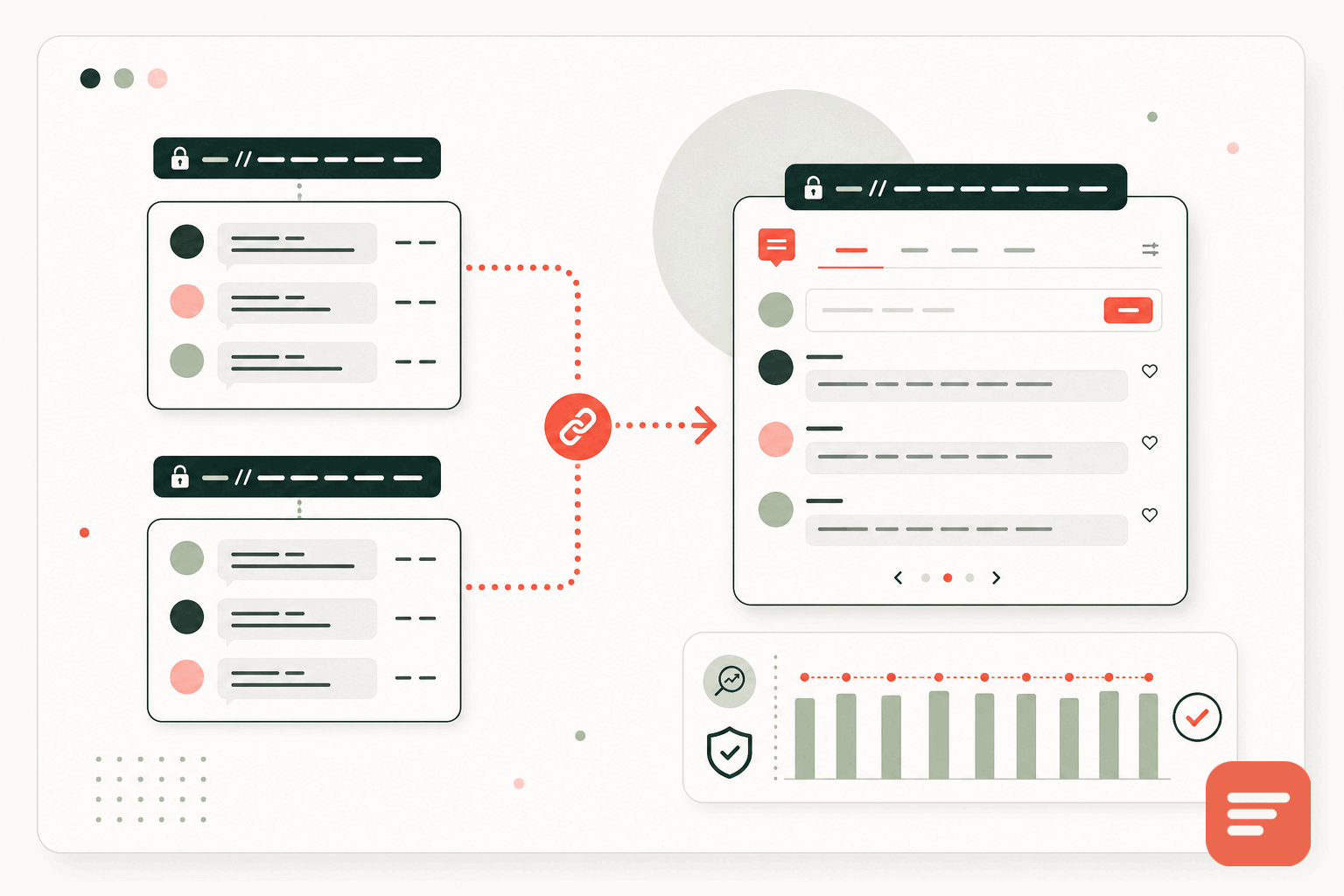
Search engines index pages by URL, and a comment thread's SEO value is attached to the page it sits on. Gabden keys every thread to the page's canonical URL, which is exactly the property that makes a clean migration possible. If the canonical URL of a post is the same after the switch as before, the imported comments land on the same page they came from, and the page keeps its content and its history.
The URL is the identity of the thread. Keep the URL stable through the migration and the discussion, and its SEO value, stays with the page.
So the first rule of a safe migration is boring: do not change your URLs at the same time as your comment system. If you must change URLs, that is a separate project with its own redirect plan, and doing both at once makes it far harder to tell what caused any ranking movement.
Map comments to the right pages on import
Gabden can import existing comments from Disqus, native WordPress, and other systems, mapped to each page's URL. The mapping is the step that matters. Your export contains, for each comment, the URL it belonged to. During import, those comments are matched to the current page URLs.
- Export your existing comments in full, including the URL for each thread.
- Check the URLs in the export against your live URLs. Trailing slashes, http versus https, and www versus non-www differences are the usual mismatches.
- Normalise those differences so each comment maps to the canonical URL you actually serve.
- Import, then spot-check a sample of pages to confirm threads landed where they should.
Do this carefully and readers see the same discussion in the same place, which is invisible to search engines in the best way.
Keep the content, do not orphan it
SEO value comes from the comment text being present on the page. If comments vanish during the switch, even for a while, you lose the fresh content and long-tail phrasing that helped the page. Two habits prevent that:
- Do not remove the old system until the new one is live and verified. Overlap for a short window rather than leaving a gap.
- Verify the import on a sample of high-traffic, high-ranking pages before you consider the migration done.
If a page has comments before the switch, it should have the same comments after it. That continuity is what protects the ranking.
Watch the performance side
A migration can hurt SEO even with perfect URL mapping if the new widget is heavier than the old one. Page-experience signals are part of ranking, so swapping a light comment tool for a bloated one can cost you. This is a point in favour of a small embed. Gabden's widget is about 10KB and loads asynchronously, and it sets no tracking cookies, so the switch does not add weight or a consent burden to pages that were fast before. The related post on how your comment system affects performance and SEO covers this in depth.
A short migration checklist
- Freeze your URLs; do not restructure the site in the same change.
- Export all existing comments with their page URLs.
- Normalise URL differences (protocol, www, trailing slash) to your canonical form.
- Import into Gabden, mapped by URL.
- Spot-check top pages, then keep the old system in place until you have confirmed the import.
- Confirm the new widget is light and sets no tracking cookies.
Done in this order, a comment migration is a quiet change that readers barely notice and search engines have no reason to penalise. For the full step-by-step version, see the comment system migration checklist. When you are ready, register a site and run the import against your canonical URLs.



Join the discussion