What the Facebook Comments plugin costs you
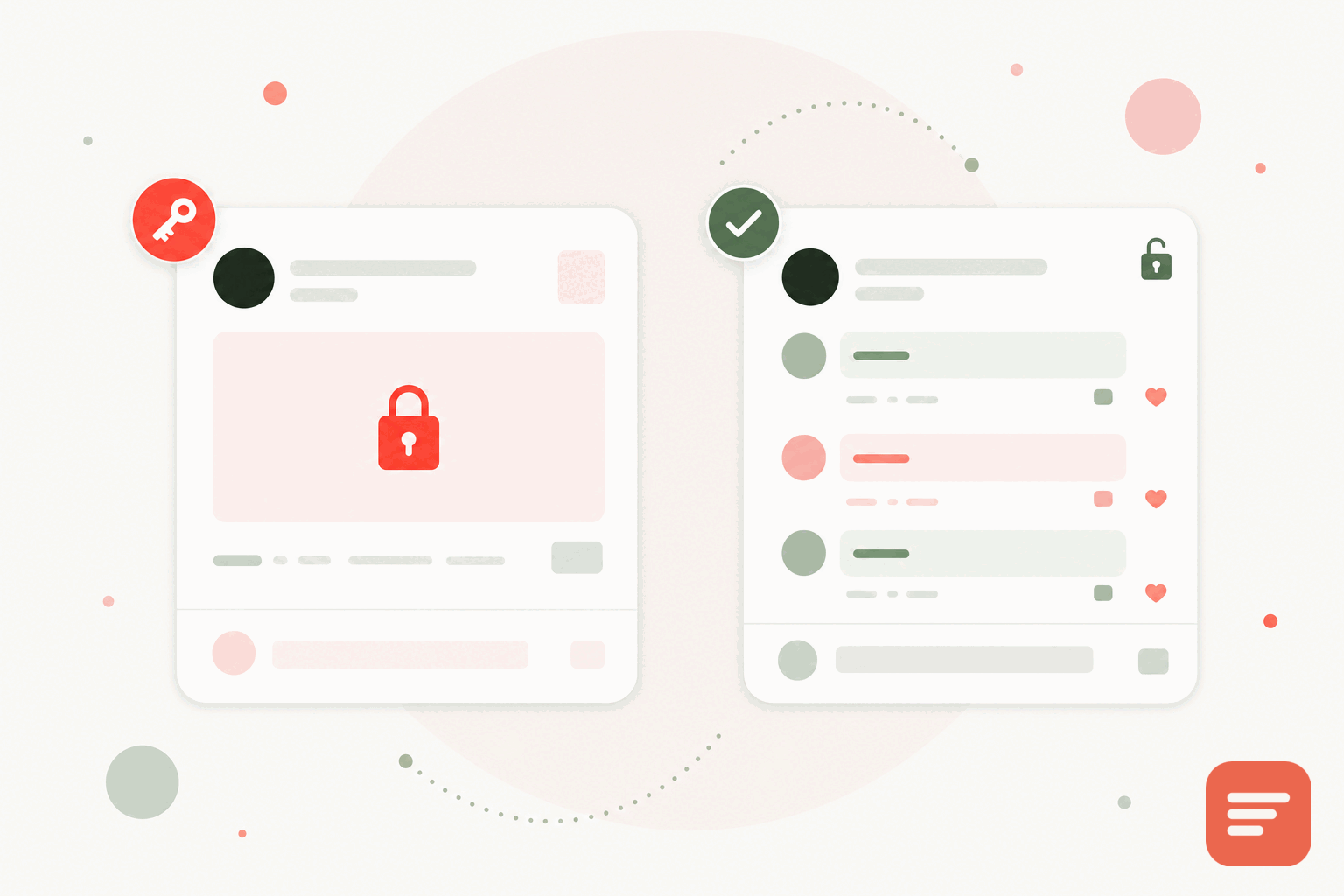
The Facebook Comments plugin was easy to add and came with a built-in identity system, which is why so many sites used it. The trade-offs became clear over time. To comment, a reader needs a Facebook account and needs to be logged in. Anyone without an account, or anyone who has left the platform, simply cannot join the discussion. That is a shrinking pool.
The comments also do not really belong to you. They live inside Facebook's system, they are hard to export, and they are hard to moderate on your own terms. And the plugin loads Facebook's scripts onto your page, which means Facebook can observe your readers whether or not they interact with the widget. For a privacy-conscious site that is a lot to accept for a comment box.
What a better alternative looks like
A good replacement should fix the three main problems: the login wall, the lack of ownership, and the tracking. Concretely, that means readers can comment without a mandatory account, the comment data is yours to export, and the widget does not carry a social network's tracking onto your page.
Gabden is built around those points. Readers can post anonymously, leave a name and email as a guest, or sign in with Google or GitHub if they prefer a persistent identity. Nobody is forced into a specific social account. There are no tracking cookies, no fingerprinting, and no cross-site tracking. Analytics are anonymous aggregates only.
Ownership and portability
With the Facebook plugin, your discussion is effectively rented. With Gabden, you own the data and can export it as JSON or CSV whenever you like. Each thread is keyed to the page's canonical URL, so if you change tools or platforms later, your comments are tied to your pages rather than to someone else's account system.
If you already ran the Facebook plugin, note that its comments are not straightforward to extract, which is one more reason to move sooner rather than later. Gabden can import comments from Disqus, native WordPress, and other systems mapped to each page's URL, so many migrations bring history along.
Speed and weight
The Facebook plugin pulls in the platform's SDK, which is heavy and does more than render comments. Gabden's embed is around 10KB and loads asynchronously, so the discussion appears without blocking the rest of your page. On article pages judged by Core Web Vitals, a lighter comment layer is a straightforward improvement.
Moderation you actually control
Moderating the Facebook plugin meant working within Facebook's tools. Gabden puts moderation in your dashboard. You can pre-moderate everything, auto-approve, auto-approve returning verified people while holding anonymous posts for review, or moderate only anonymous users. There is a blocked-word filter, a spam and pending queue, threaded replies, and like and heart reactions. If you run a team, roles come with per-module permissions.
Where the plugin still had a point
To be fair, the Facebook plugin offered real social distribution: a comment could surface in a commenter's feed and pull their friends back to your page. If your growth strategy leaned entirely on that loop, you lose it when you switch. For most sites, that distribution shrank as the plugin aged and as fewer readers stayed logged in, so the practical loss is smaller than it once was. Weigh it honestly against the login wall you are removing.
How to switch
Removing the plugin is a matter of deleting its embed code from your template and adding Gabden's in its place:
<div id='gabden-conversations'></div>
<script async src='https://YOUR-SITE.gabden.com/conversations.js'
  data-page='canonical'
  data-theme='auto'></script>
Copy your site's Gabden subdomain from the dashboard, paste the snippet where the old comment section was, and each page picks up its own thread by URL. Gabden is free up to 100,000 widget views per month per website with a small mark, and Plus is 5 dollars per month per website with no mark.
To start, create an account. If your reason for leaving is mainly privacy, our guide to privacy-focused blog comments goes deeper.


Join the discussion