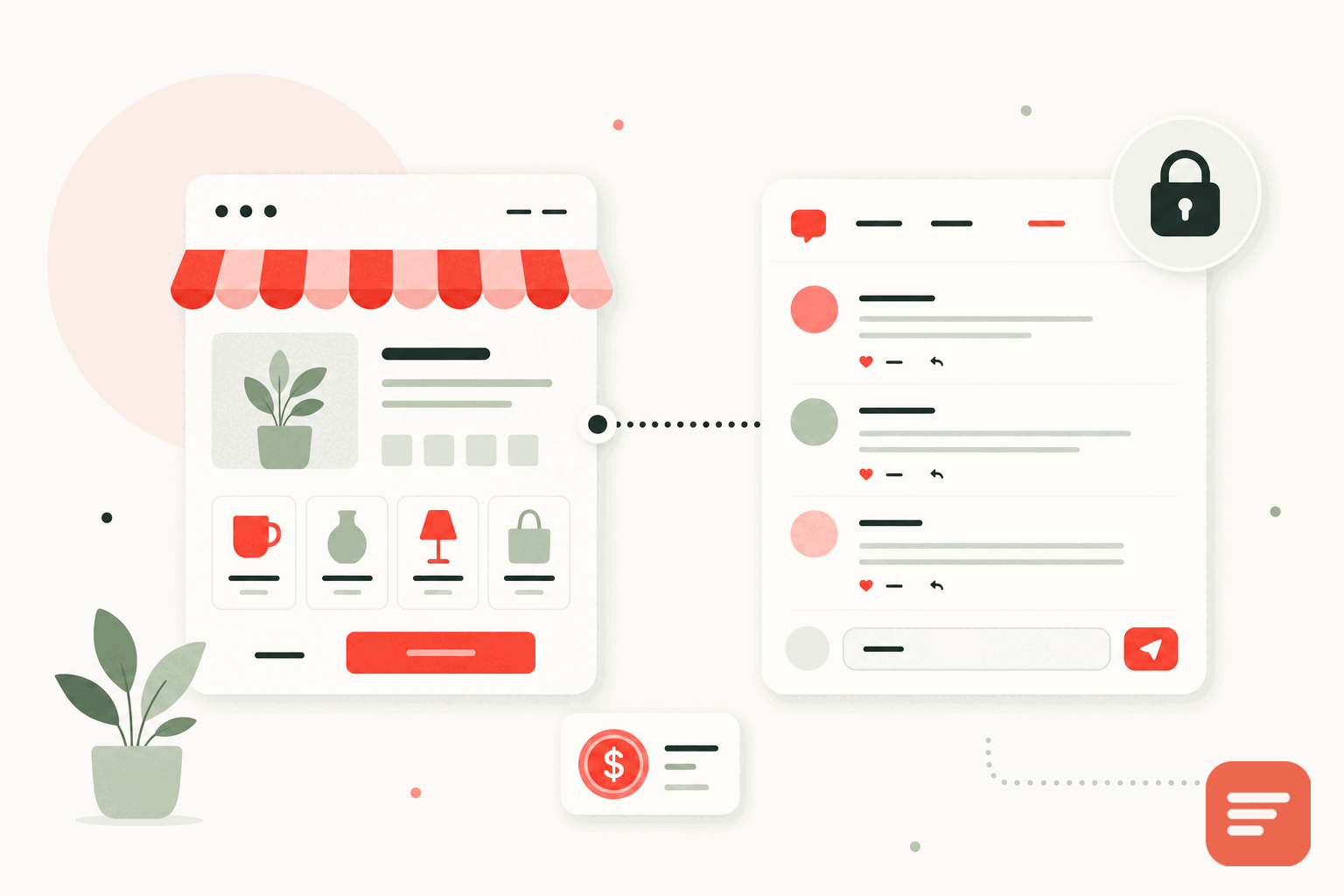
A small business website has a short list of jobs: explain what you do, build enough trust that people get in touch, and rank well enough to be found. Comments help with all three, but only if the comment system fits how a small business actually operates, which is with limited time, a limited budget, and no in-house developer to babysit anything. Here is what to look for.
Start with the real constraints
A small business is not a media company. You do not have a moderation team, a performance engineer, or hours a day for community management. So the comment system has to earn its place by being low-effort, not by having the longest feature list.
- Simple to install: ideally one script tag, no plugin sprawl and no database to manage.
- Cheap or free at your traffic: a small business site does not need enterprise pricing, and most sit comfortably under a free tier's limits.
- Low moderation load: filters and sensible defaults so the queue is a two-minute daily check, not a chore.
- Fast: a slow comment widget drags down the pages that are supposed to be winning you customers.
Trust is the whole point
For a small business, comments are social proof. A prospect deciding whether to call you reads the discussion under your posts to see whether real people engage with you and whether you answer them. A page with a few genuine questions and your helpful replies does more for trust than another paragraph of marketing copy. This is why the ability to reply, and to reply in a threaded way that keeps each conversation clear, matters more than any flashy feature.
On a small business site, the comment section is a reference check the visitor runs on you in real time.
Keep the barrier low for customers
Your visitors are customers, not forum regulars. They will not make an account to ask a question. Letting them comment as a guest with just a name and email, or sign in with a Google or GitHub account they already have, means the question actually gets asked instead of abandoned. A comment you never receive cannot become a customer you never win.
Privacy is a small business advantage
Big companies can absorb a privacy misstep. A small business trades heavily on being trustworthy and local and human, and loading ad trackers onto your customers through a free comment widget quietly works against that. A privacy-first system with no tracking cookies, no fingerprinting, and no cross-site tracking keeps your site clean, keeps you clear of data-rule headaches, and matches the trustworthy image you are trying to project. It also keeps the page light, because you are not loading an ad network's machinery.
Watch the total cost, not just the sticker
"Free" comment tools are often free because they monetize your visitors with ads and tracking. That is a cost, it just does not show up on an invoice. A paid tool at a few dollars a month is frequently the cheaper option once you count the trust you keep and the page speed you do not lose. For a small business, predictability matters too: a flat per-site fee is easy to budget, and billing per website means you only pay for the site that needs it.
Why Gabden fits a small business
Gabden is built around exactly these constraints. Installation is one script tag on any platform, whether your site is on WordPress, Squarespace, Wix, a page builder, or hand-written HTML:
<div id='gabden-conversations'></div>
<script async src='https://YOUR-SITE.gabden.com/conversations.js'
  data-page='canonical'
  data-theme='auto'></script>
The moderation modes let you keep the workload tiny: auto-approve returning verified people and hold only new or anonymous comments, so your daily check is short. A blocked-word filter and a spam queue handle the obvious junk. The embed is around ten kilobytes, so it does not slow the pages you rely on. And the pricing suits a small business precisely: free up to 100,000 widget views a month per website, which covers most small business traffic, and five dollars a month per website for unlimited views with the small mark removed.
If budget is your main question, the free versus paid breakdown is worth a read, and the full pricing is straightforward. When you want to see it on your own site, you can add it in a few minutes and copy your site's Gabden subdomain from the dashboard.
For a small business, the best comment system is the one that builds trust, stays out of your way, respects your customers, and costs almost nothing. That is a short list, and it is the list Gabden is built to satisfy.

Join the discussion