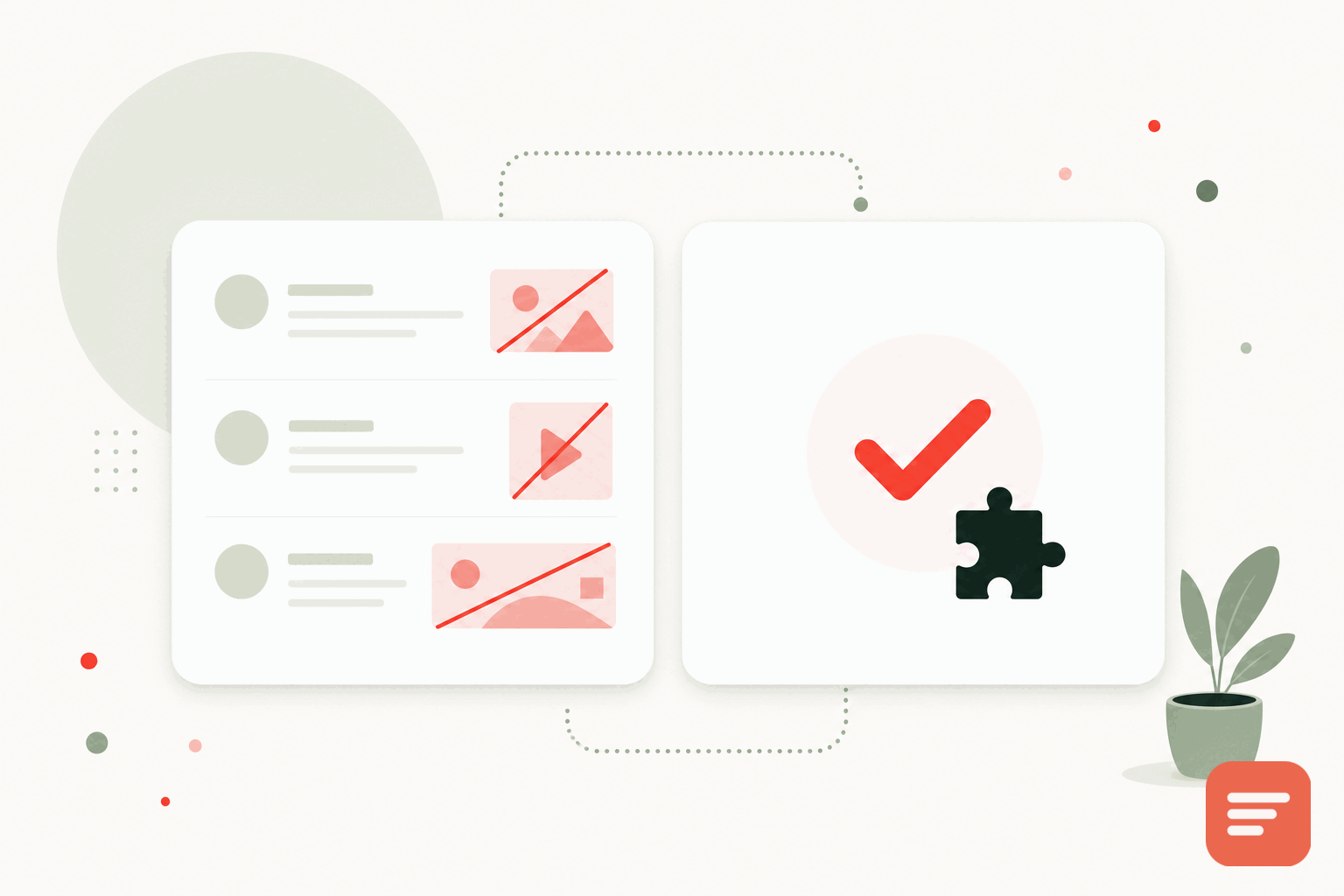
What ad-supported comments actually cost
Plenty of WordPress comment plugins are free because they show ads inside the discussion, or because the company behind them sells data collected from your readers. You do not pay in dollars. You pay in page speed, in reader trust, and in the ads that appear next to your writing whether or not they fit your brand.
The ads themselves are the visible part. The less visible part is the tracking that funds them. An ad-supported widget usually loads third-party scripts, sets cookies, and builds a profile of your readers across every site that runs the same tool. If your site publishes anything sensitive, or if your audience cares about privacy, that is a poor trade for a comment section.
What ad-free should mean
An ad-free comment plugin is not just one without banner ads. To be genuinely clean it should also avoid the tracking that ads depend on. That means no cross-site tracking, no fingerprinting, and no cookies dropped to follow people around. Comments should exist to serve your readers and your discussion, not to feed an ad network.
Gabden takes that position by default. There are no ads in the thread, no tracking cookies, and no fingerprinting. Analytics are anonymous aggregates only, so you can see activity without profiling individuals. You own the comment data and can export it as JSON or CSV whenever you want.
Speed matters more than people expect
Comment widgets sit at the bottom of long article pages, which is the worst place for a heavy script. Core Web Vitals judge how quickly a page becomes usable, and a bloated comment loader drags that number down. Ad-supported tools tend to be the heaviest because each ad partner adds its own request.
Gabden's embed is around 10KB and loads asynchronously, so it does not block the rest of your page from rendering. On a WordPress site already carrying a theme, a page builder, and a few plugins, keeping the comment layer light is one of the easier wins available to you.
How the switch works on WordPress
Moving off an ad-supported plugin has two parts: turn off the old comments and add the new embed.
- Deactivate the current comment plugin, and turn off native WordPress comments under Settings, Discussion if you are not using them.
- Add the Gabden embed to your single post template, or use a small plugin or block that lets you insert HTML into the content area below the post.
The embed is the same one script tag Gabden uses everywhere:
<div id='gabden-conversations'></div>
<script async src='https://YOUR-SITE.gabden.com/conversations.js'
  data-page='canonical'
  data-theme='auto'></script>
Copy your site's Gabden subdomain from the dashboard and drop it in. Each discussion is keyed to the post's canonical URL, which WordPress already sets, so threads attach to the right articles without extra mapping.
Keeping your existing comments
You do not have to lose history. Gabden imports native WordPress comments and Disqus archives, mapped to each page's URL. Old threads land back on the posts they belong to instead of disappearing when the plugin does.
Moderation without the noise
A clean comment section still needs moderation. Gabden gives you the usual controls without dragging ads along for the ride: pre-moderate everything, auto-approve, or auto-approve returning verified people while holding anonymous posts for review. There is a blocked-word filter and a pending queue for anything that looks like spam. Readers can react with a like or a heart and reply in threads.
What you give up, honestly
Switching away from a free ad-supported plugin means the tool is no longer subsidized by ads. Gabden is free up to 100,000 widget views per month per website, with a small "Powered by Gabden" mark. Plus is 5 dollars per month per website for unlimited views and no mark. For most WordPress blogs the free tier covers real traffic, and paying a few dollars removes the mark without bringing ads back.
If you want the full walkthrough for taking WordPress off its default comments, read replace native WordPress comments, or compare the numbers on our pricing page.


Join the discussion