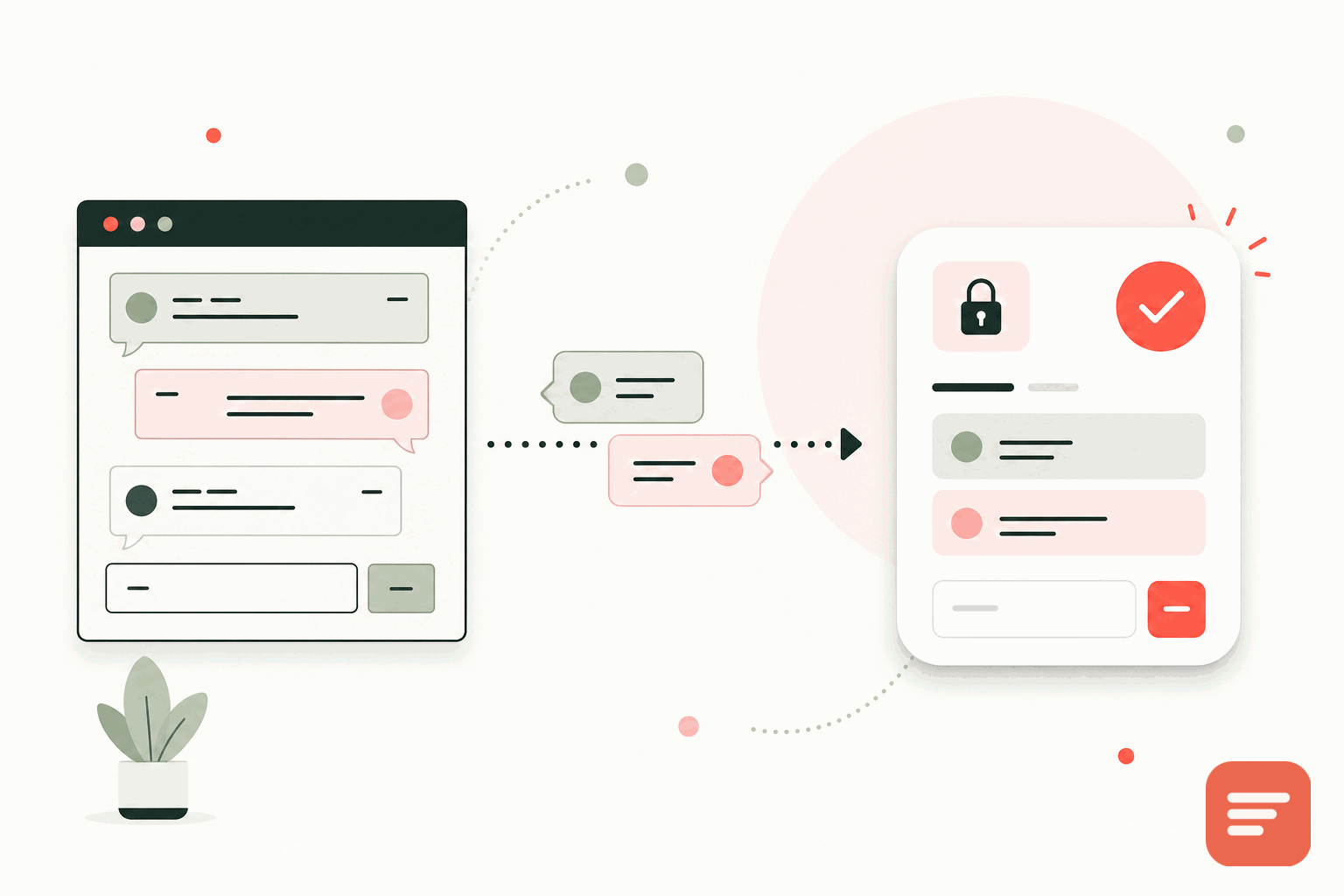
What native WordPress comments cost you
WordPress comes with a comment system, and it works. The reasons people replace it are practical. It leans on your database and PHP for every thread, which adds load. It is a frequent spam target, so you end up bolting on filtering plugins. The default markup is dated, and improving it means more plugins or theme work. Each plugin you add for spam, subscriptions, or social login is more code running on every page and more to maintain. The comment area quietly becomes one of the heavier, more fragile parts of the site.
Moving to a hosted, privacy-first system takes that weight off your server and your maintenance list. Here is how to do it without losing the discussion you already have.
Step 1: export your existing comments
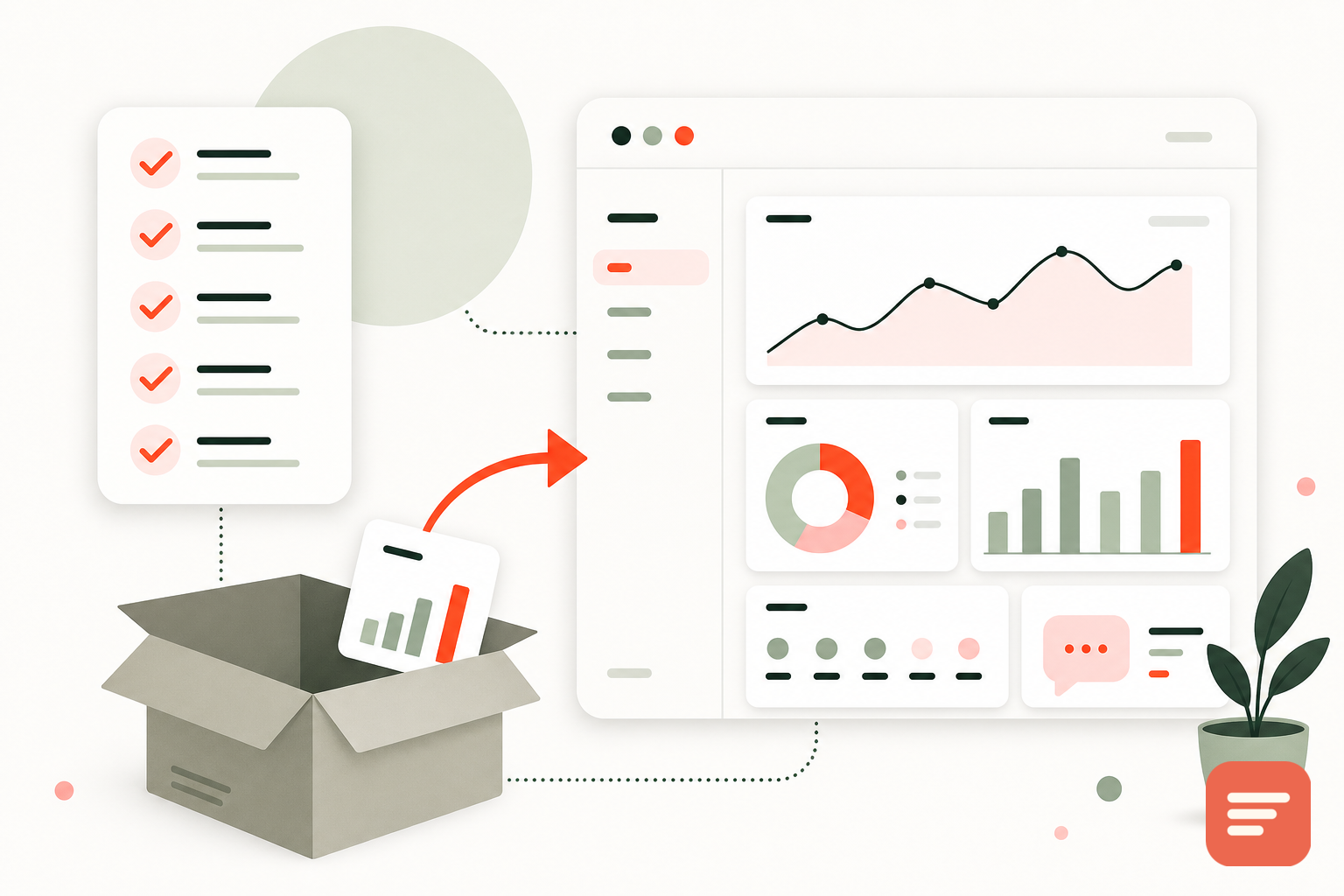
Before you turn anything off, keep your history. WordPress can export your content, including comments, from Tools and then Export in the admin. Gabden can import existing comments from Disqus, native WordPress, and other systems, mapped to each page's URL, so your old threads come across and stay attached to the same posts. Do this first, so the switch adds a new system on top of your history rather than starting empty.
Step 2: disable native comments
Turn off the default so readers do not see two comment areas.
- Under Settings and then Discussion, uncheck "Allow people to submit comments on new posts" to stop new native comments going forward.
- For existing posts, the new setting does not apply retroactively. Use the Posts list, select all, choose Edit from bulk actions, and set Comments to "Do not allow" to close them across the board.
- If your theme renders comments through
comments_template()insingle.php, the native block will stop showing once comments are closed, but you can also remove that call when you add the embed.
Step 3: add the embed
Add Gabden where the native comments used to render. In a classic theme, that is in single.php, below the_content(). Paste:
<div id='gabden-conversations'></div>
<script async src='https://YOUR-SITE.gabden.com/conversations.js'
  data-page='canonical'
  data-theme='auto'></script>
Use your own Gabden subdomain (the YOUR-SITE part of the URL) from the dashboard. If you prefer not to edit theme files, you can place the snippet through a block that outputs raw HTML on your post template, or use a small plugin that appends markup to post content. Editing the theme is the cleanest option when you have access.
Step 4: check canonical URLs
Gabden keys a thread to the page's canonical URL. WordPress and most SEO plugins already output a canonical tag per post, which is what you want. Confirm that a post reached with and without a trailing slash resolves to the same canonical, so you do not end up with two threads on one article.
What changes for readers
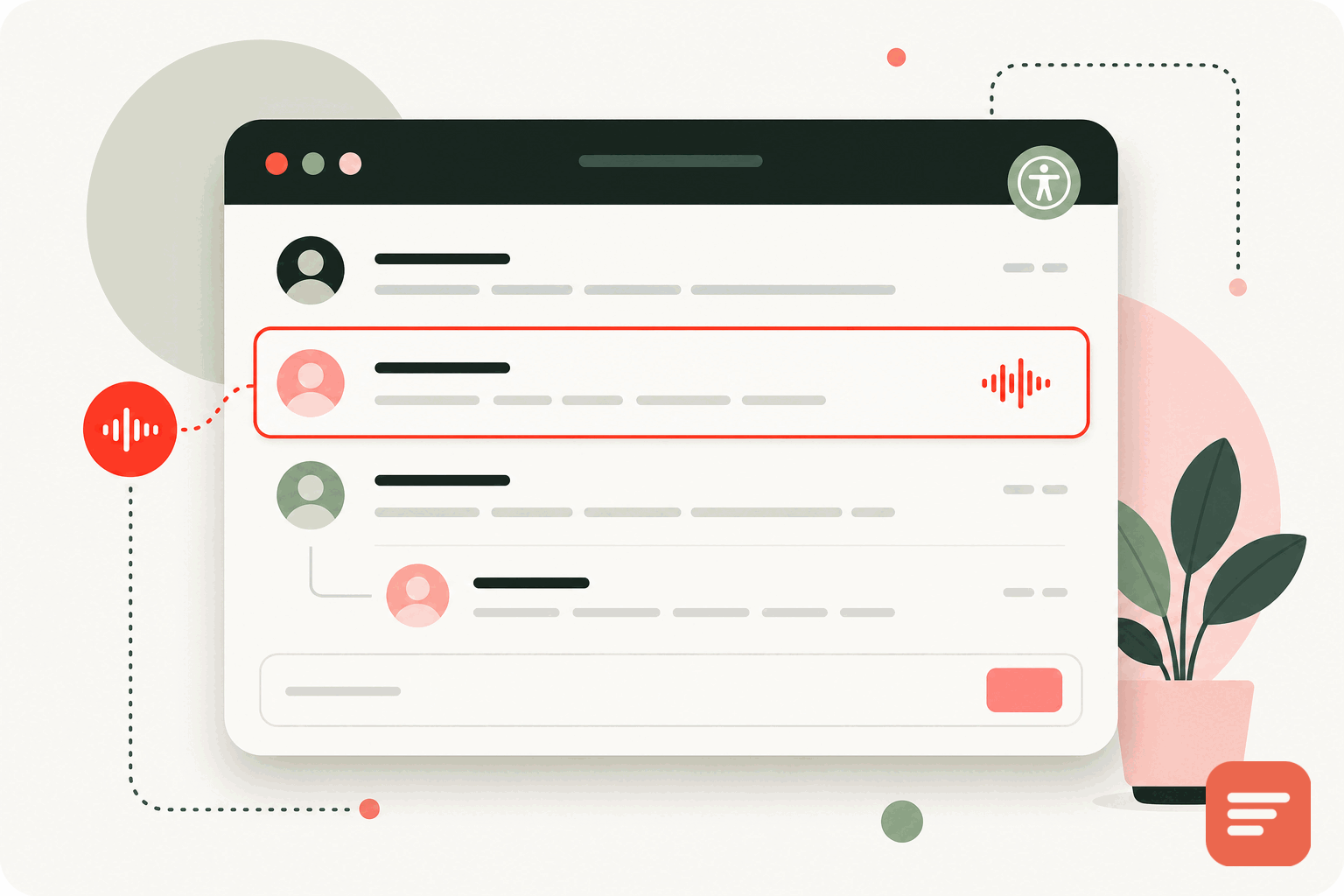
Readers get a faster page and more ways to participate. They can post anonymously, as a guest with a name and email, or sign in with Google or GitHub, without a WordPress account. You get four moderation modes (pre-moderate everything, auto-approve, auto-approve returning verified people, or moderate only anonymous users), a blocked-word filter, a spam and pending queue, threaded replies, and like and heart reactions. The blocked-word filter and pending queue replace the spam plugin you were probably running.
What changes for you
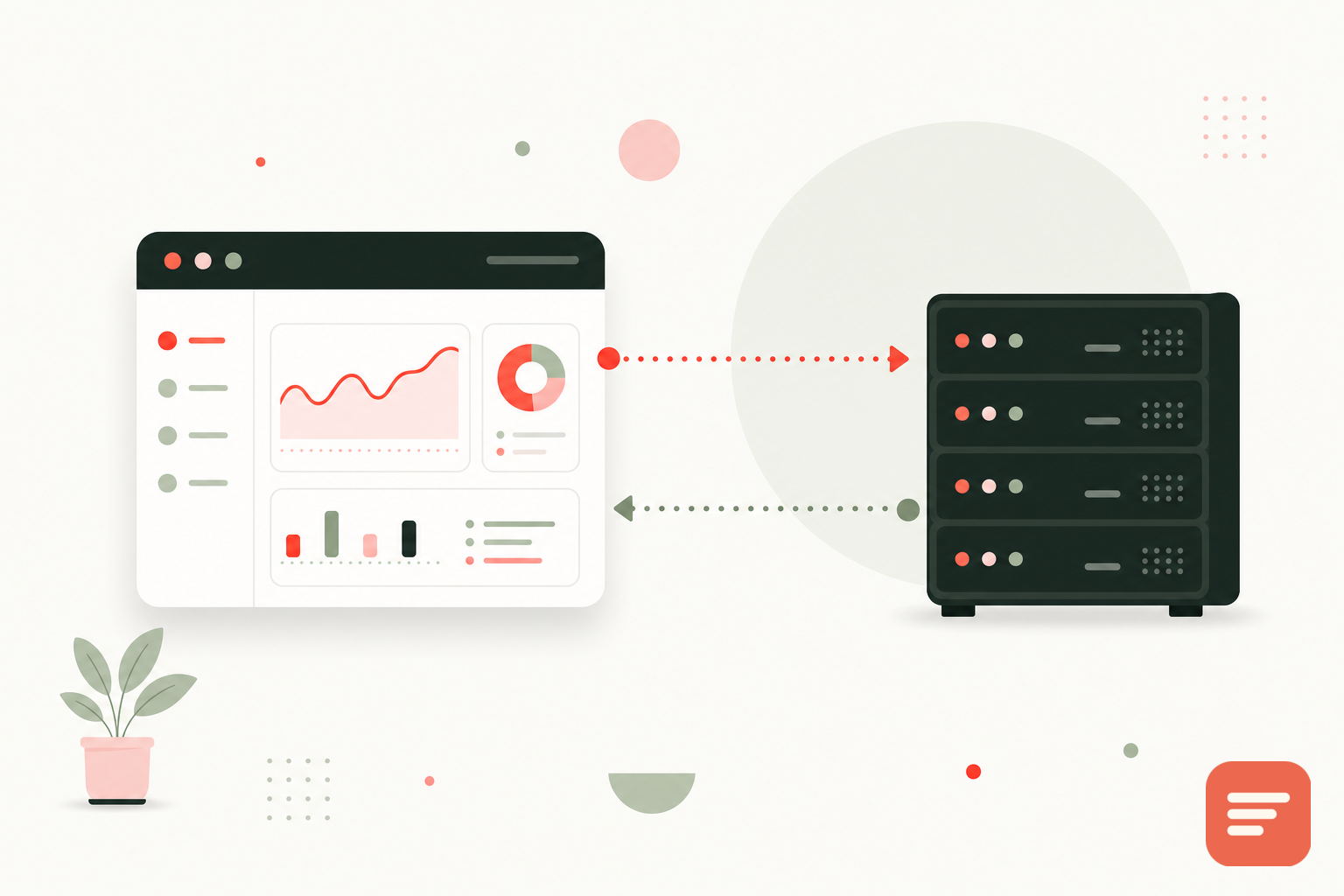
Your server stops rendering and storing comments, and stops being the spam target. The embed is about 10KB and loads on its own, so the comment area no longer drags on your page speed. There are no tracking cookies and no fingerprinting, which is a real improvement over some social-login comment plugins. And you own your data: export it as JSON or CSV whenever you want.
On price, Gabden is free forever up to 100,000 widget views per month per website, with Plus at 5 dollars per month per website for unlimited views and no mark. For most WordPress blogs, that is the free tier. When you are ready, create a site, run the import, and follow the docs to place the embed.
Join the discussion