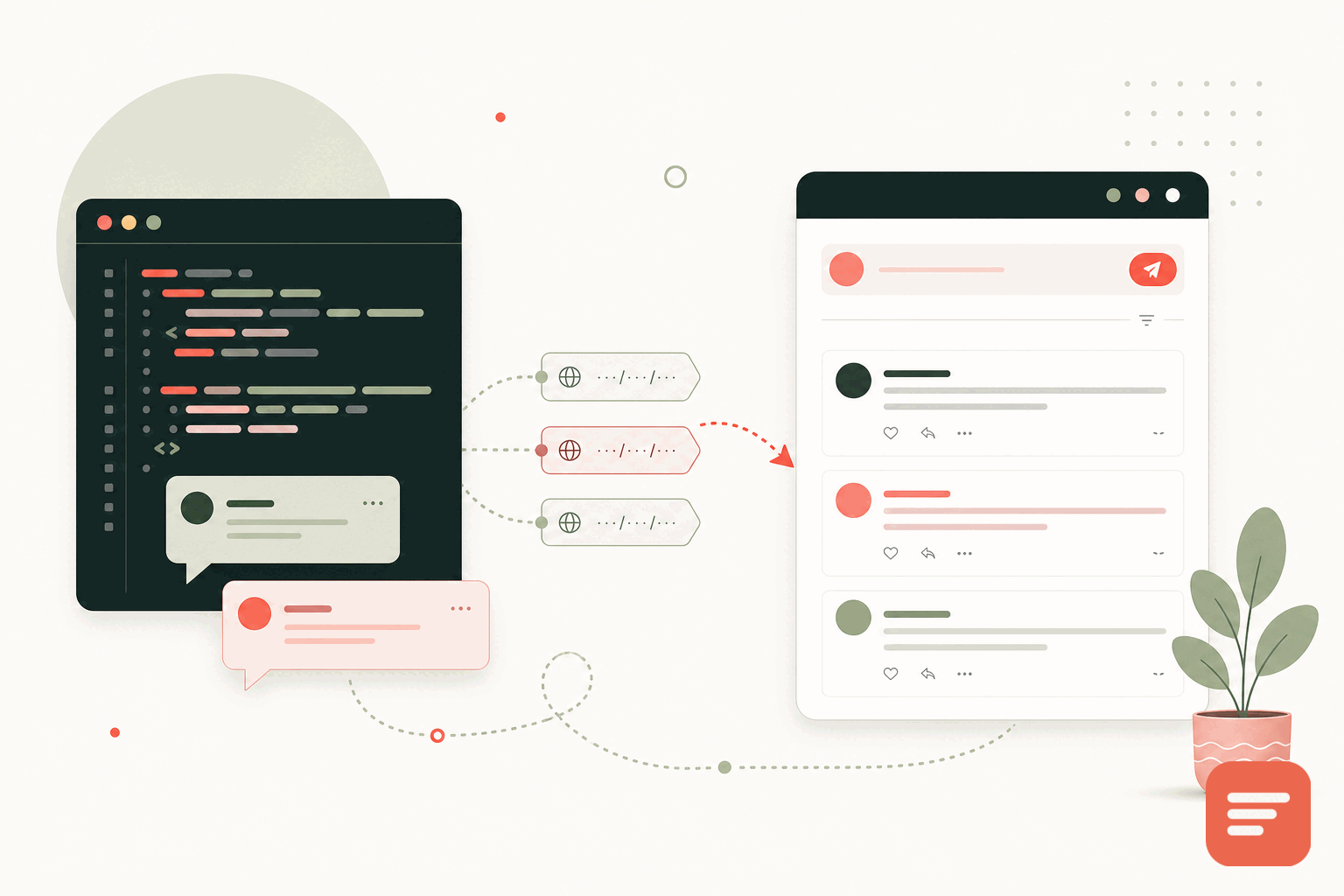
A home-grown comment system starts as a weekend project and slowly becomes a thing you maintain forever. At some point the database, the spam handling, and the moderation screens cost more time than they are worth. Moving those comments to a hosted system does not mean throwing away the history. This is how to migrate a custom comment system to Gabden while keeping your existing threads.
The core idea: comments are keyed to URLs
Gabden keys every discussion thread to the page's canonical URL. That single fact makes migration straightforward. Your old comments already belong to specific pages, so the job is to line up each comment with the URL of the page it lived on. Get the URL mapping right and everything else falls into place.
Before you touch any data, write down how your old system identified pages. Some store a post ID, some store a slug, some store a full URL. Whatever it is, you need a reliable way to turn that identifier into the canonical URL the page uses today.
Step one: export your existing comments
Pull your comments out of your database into a structured file. Because it is your own system, you control the query, so export everything you will want to keep:
- The comment body
- The author name and, if you have it, email
- The timestamp
- The parent comment, if the comment was a reply, so threading survives
- The page identifier that maps to a URL
- Any approved or spam status, so you do not re-import junk you already caught
Export to a clean format such as CSV or JSON. Keep a backup of the raw export before you transform anything, so you can start over if a mapping turns out wrong.
Step two: map every comment to a canonical URL
This is the step that decides whether the migration works. For each comment, resolve its page identifier to the exact canonical URL of the live page. Watch for the usual traps:
- Trailing slashes:
/post/and/postare different keys. Pick the form your pages actually use and normalize to it. - Protocol and host: make sure you are using the canonical host, not an old domain or a staging URL.
- Moved pages: if a URL changed since the comment was written, map to the current canonical URL so the thread lands where readers will see it.
Migrations rarely fail on the import. They fail on the mapping. Spend your care here.
Preserve threading and dates
If your comments had replies, keep the parent relationships in your export so threaded replies rebuild correctly rather than flattening into one long list. Keep original timestamps too, so a three-year-old conversation still reads in the order it happened.
Step three: import into Gabden
Gabden imports comments from other systems, including native WordPress, Disqus, and custom exports, mapped to each page's URL. Once your export is cleaned and mapped, you bring it in and each comment attaches to the thread for its canonical URL. Because the widget already keys threads to those URLs, your migrated history appears in the same place your new comments will.
Import into a test or a low-traffic page first. Check that threading looks right, dates are correct, and the URLs matched. Fix the mapping and re-run if anything landed on the wrong page. It is far easier to correct a mapping now than after readers are commenting on top of it.
Step four: swap the embed and retire the old code
With the history in place, replace your custom comment markup with the Gabden embed on your templates:
<div id='gabden-conversations'></div>
<script async src='https://YOUR-SITE.gabden.com/conversations.js'
  data-page='canonical'
  data-theme='auto'></script>
Copy your own Gabden subdomain (the YOUR-SITE part of the URL) from the dashboard. Once the embed is live and showing your migrated threads, you can decommission the old comment tables, the moderation screens, and the spam handling you have been maintaining. That is the whole point: no more database to back up, no more spam scripts to patch.
After migrating, you own your data going forward too. Gabden lets you export everything as JSON or CSV whenever you want, so leaving a home-grown system does not mean giving up portability. If your old system was one of the common tools rather than fully custom, the same URL-keyed approach applies, and you can follow the general migration checklist or read the import steps in the documentation. When you are ready, create your site and grab your Gabden subdomain.
Join the discussion