Your comments are yours to take
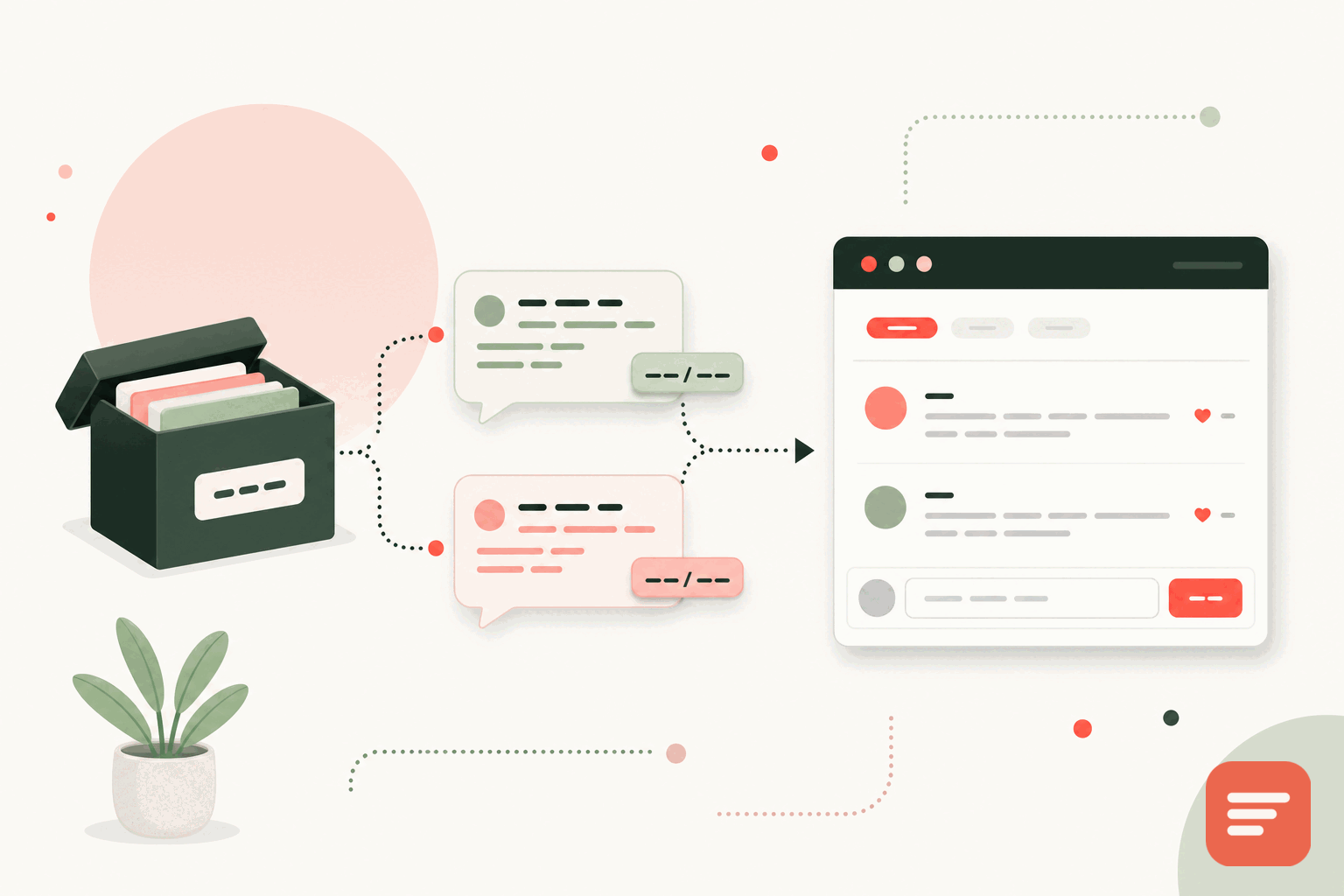
Disqus is one of the most widely used comment systems, and it does let you export your data, which is the right thing for a platform to allow. If you are moving away, the first thing to know is that you are not starting from zero. Your existing threads can come with you, and they can stay attached to the same pages they were posted on.
This guide covers two parts: getting the export out of Disqus, and importing it into Gabden so every comment lands back under the correct page URL.
Step 1: export from Disqus
Disqus provides an export from its admin area. In broad strokes:
- Sign in to Disqus and open the admin for the site you want to move.
- Find the export option under the site's settings (Disqus labels this around its community or moderation settings).
- Request the export. Disqus emails you a link to a downloadable archive when it is ready, which can take a little while for large sites.
- Download the archive. It is an XML file in the WXR format, the same shape WordPress uses, containing your threads, comments, authors, and the URLs each thread belongs to.
Keep that file somewhere safe. It is the full record of your discussion history, and it is the input to the next step.
Step 2: understand how threads are keyed
The reason a migration can preserve every comment is that both systems tie a thread to a page. Disqus stores the URL each thread was created on. Gabden keys a thread to the page's canonical URL. So the import is a matter of mapping each Disqus thread's URL to the matching Gabden thread, and the comments follow.
The URL is the anchor. As long as your page URLs are staying the same, the comments know where to go.
This is also why you should do the migration before or alongside any URL changes, not after. If you are also changing your permalink structure, sort that out first so the imported comments map to the URLs your pages will actually have.
Step 3: import into Gabden
Gabden can import existing comments from Disqus, native WordPress, and other systems, mapped to each page's URL. You provide the Disqus export file, and the comments are placed under the matching page threads. Because the format Disqus exports is well understood, the author names, timestamps, and reply structure come across rather than being flattened into a single list.
After the import, spot-check a few of your busier posts. Open the page, confirm the thread shows the old comments, and check that replies are still nested under the right parent. If your site served some content under more than one URL in the past, this is where you would notice a thread that needs its URL reconciled.
Step 4: switch the embed
Once the history is in, replace the Disqus embed on your pages with Gabden's:
<div id='gabden-conversations'></div>
<script async src='https://YOUR-SITE.gabden.com/conversations.js'
  data-page='canonical'
  data-theme='auto'></script>
New comments now flow into Gabden, sitting alongside the imported history under the same page. Readers see one continuous thread, not a hard break between old and new.
What you gain by switching
The common reasons people leave Disqus are the ads on the free tier and the tracking that comes with an ad-supported model. Gabden uses no tracking cookies, no fingerprinting, and no cross-site tracking, and keeps only anonymous aggregate analytics. The embed is about 10KB, so pages load faster than a heavier third-party widget. And Gabden is free forever up to 100,000 widget views per month per website, with Plus at 5 dollars per month per website for unlimited views and no mark.
You also keep the door open in the other direction: Gabden lets you export your data as JSON or CSV at any time, so you are not trading one lock-in for another.
If privacy is the main driver for your move, our comparison of account-free alternatives is related reading, and the import details are in the docs. When you are ready, create a site and start the import.


Join the discussion