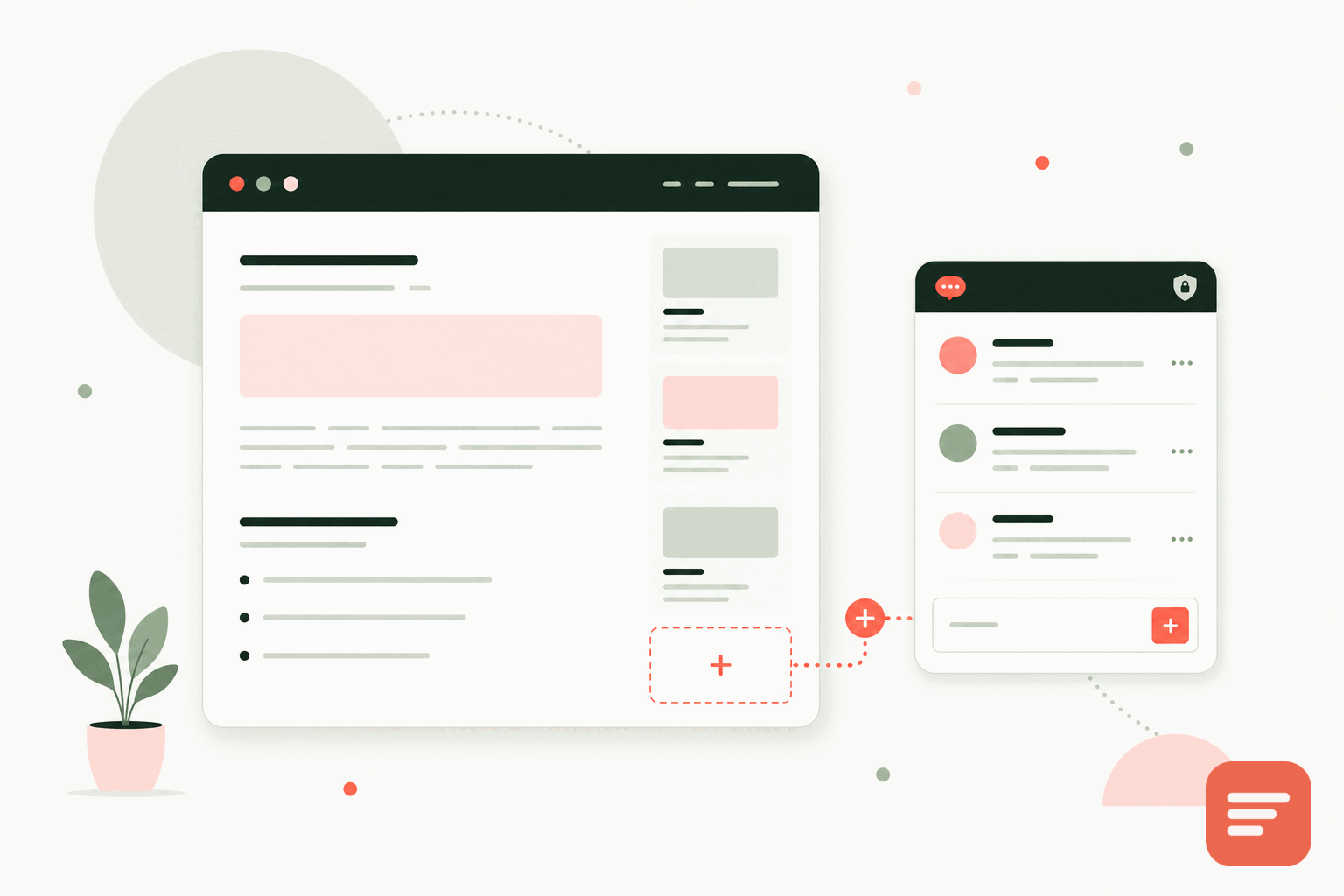
Notion pages do not have public comments
Notion has comments inside a workspace, but those are for editors, not for the public reading your published site. When you publish a Notion page or run a blog on top of Notion, visitors have no way to leave a reply. If you want a real discussion under your posts, you add it yourself.
Most people publish a Notion site one of two ways: with Notion's built-in publish-to-web, or through a wrapper service that maps a custom domain to your Notion content (tools in the Super, Potion, and Fruition family). What you can do about comments depends on which route you took.
If you use a Notion site builder
Wrapper services almost always give you a place to inject custom code, usually a head or body snippet, and often a per-page code block. That is all Gabden needs. Paste the container div where you want the thread, and the script once.
<div id='gabden-conversations'></div>
<script async src='https://YOUR-SITE.gabden.com/conversations.js'
  data-page='canonical'
  data-theme='auto'></script>
Copy your own Gabden subdomain (the YOUR-SITE part of the URL) from the dashboard after you register. If your builder injects one snippet across the whole site, put the script in the global code area and the div in the post template so a thread renders under each article. The thread is keyed to the page's canonical URL, so every post gets its own conversation automatically.
Watch the canonical URL
Because Gabden keys threads to the canonical URL, make sure your Notion builder sets a stable canonical for each post. If a post is reachable at two addresses, point the canonical at one of them so comments do not split across URLs. Most builders handle this correctly, but it is worth checking on a live post before you rely on it.
If you use Notion's own publish
Notion's native publish-to-web does not let you inject scripts, so you cannot embed a comment widget directly on a notion.site page. The practical fix is to put a custom domain and a wrapper in front of your Notion content, which then gives you the code-injection point described above. This is the same move most serious Notion blogs already make for SEO and custom styling.
Reader identity and moderation
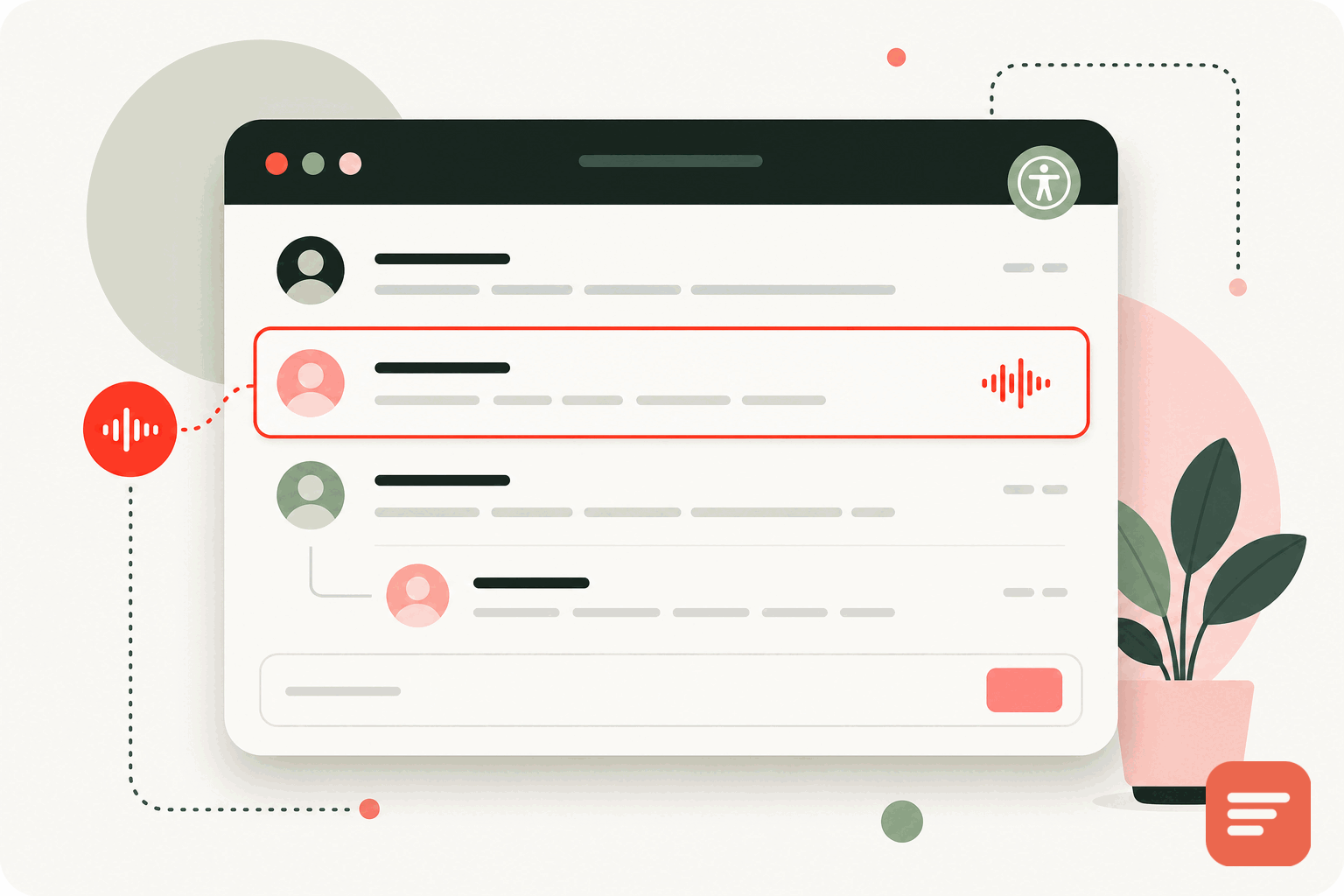
Notion audiences are often casual readers who will not create yet another account. Gabden lets them post anonymously, comment as a guest with just a name and email, or sign in with Google or GitHub if they want a profile. Lower friction means more replies.
On the moderation side, you choose how strict to be. Pre-moderate everything while your audience is small, auto-approve returning verified people once you trust them, or moderate only anonymous users. A blocked-word filter and a spam queue handle the obvious junk. You can also turn comments off on specific URLs if some pages should stay quiet.
Privacy that matches Notion's audience
People who choose Notion often value calm, uncluttered pages. A comment tool that loads heavy scripts and tracks visitors would work against that. Gabden uses no tracking cookies, no fingerprinting, and no cross-site tracking, and the embed is about 10KB. You own the comment data and can export it as JSON or CSV, so you are never locked in.
Theme and community
The widget has light and dark themes with presets, so it can sit under a minimal Notion layout without clashing. If you want a single place where all your discussions live, Gabden also gives each site a public community page. For other platforms that install the same way, see add comments to any website, or read the setup notes in the docs.


Join the discussion